How to build a PBX with Ozeki VoIP SIP SDK
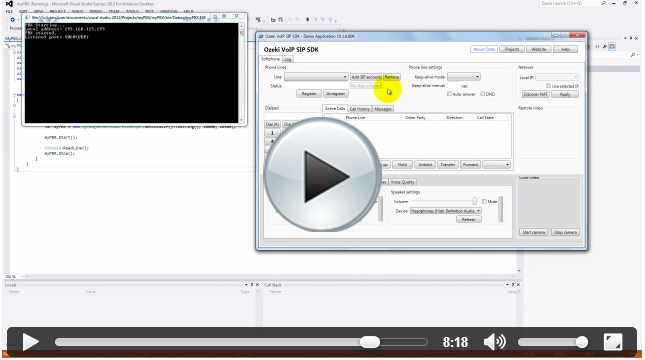
Simple VoIP PBX
This guide demonstrates all the initial steps concerning to how create a SIP PBX by using Ozeki VoIP SIP SDK. Start now
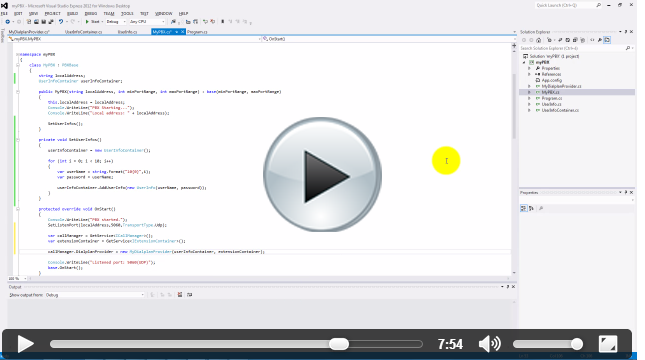
VoIP PBX authentication
The next step is the PBX registration and the SIP authentication. Find out how to conduct these in your own PBX. Start now
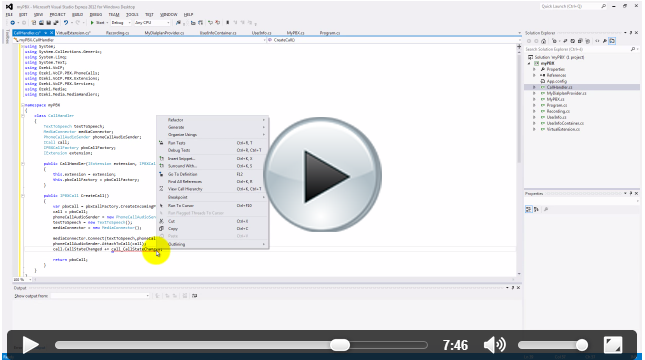
Dial plan
This article explains how to define routing rules in order to setup automated call forwarding to make your system more effective. Start now
Voicemail
By using a virtual extension it is quite easy to build voicemail functionality into your PBX. Let's see what you should do to achieve it. Start now
MediaGateway connection
Find out what is the MediaGateway and how does it ensure communication via a website, mobile or desktop phone. Start now
Interactive Voice Response
From this guide you can learn how to create Interactive Voice Response module as virtual extension for your PBX. Start now
Building PBX cluster
You can learn how to build a PBX cluster to have a redundant VoIP system and to be prepared for hardware failures. Start now
Call queue
In order to be able to accept a huge amount of simultaneous calls it is recommended to setup call queue. This guide show how. Start now
Advanced call queue
This guide demonstrates how to extend your existing call queue with most professional functionalities. Start now
Call queue with routing strategies
This article demonstrates how to extend your existing advanced call queue with routing strategies. Start now